
FRACTIONAL BACK OFFICE
KPI DASHBOARDS
See What Matters at a Glance
Most businesses already have plenty of data. The harder problem is knowing which numbers deserve attention and getting them into a format that can be understood quickly.
Fractional Back Office creates practical KPI dashboards around the measurements that help you run the business. The emphasis is on clarity, consistency, and usefulness — not filling a screen with charts simply because the data exists.
What Makes a KPI Useful?
A key performance indicator should tell you something meaningful about performance and give you a reason to pay attention. A good KPI is connected to an objective, can be measured consistently, and leads to a useful question when it changes.
We help narrow the field so your dashboard focuses on what matters most.
- Is the metric connected to a business goal?
- Can it be measured from reliable data?
- Is the measurement timely enough to influence a decision?
- Does the owner understand what action a change in the metric might suggest?
- Can the number be maintained without creating an unreasonable administrative burden?
Examples of Metrics a Dashboard Might Track
The right measurements depend on the business model. The following are examples, not a required template.
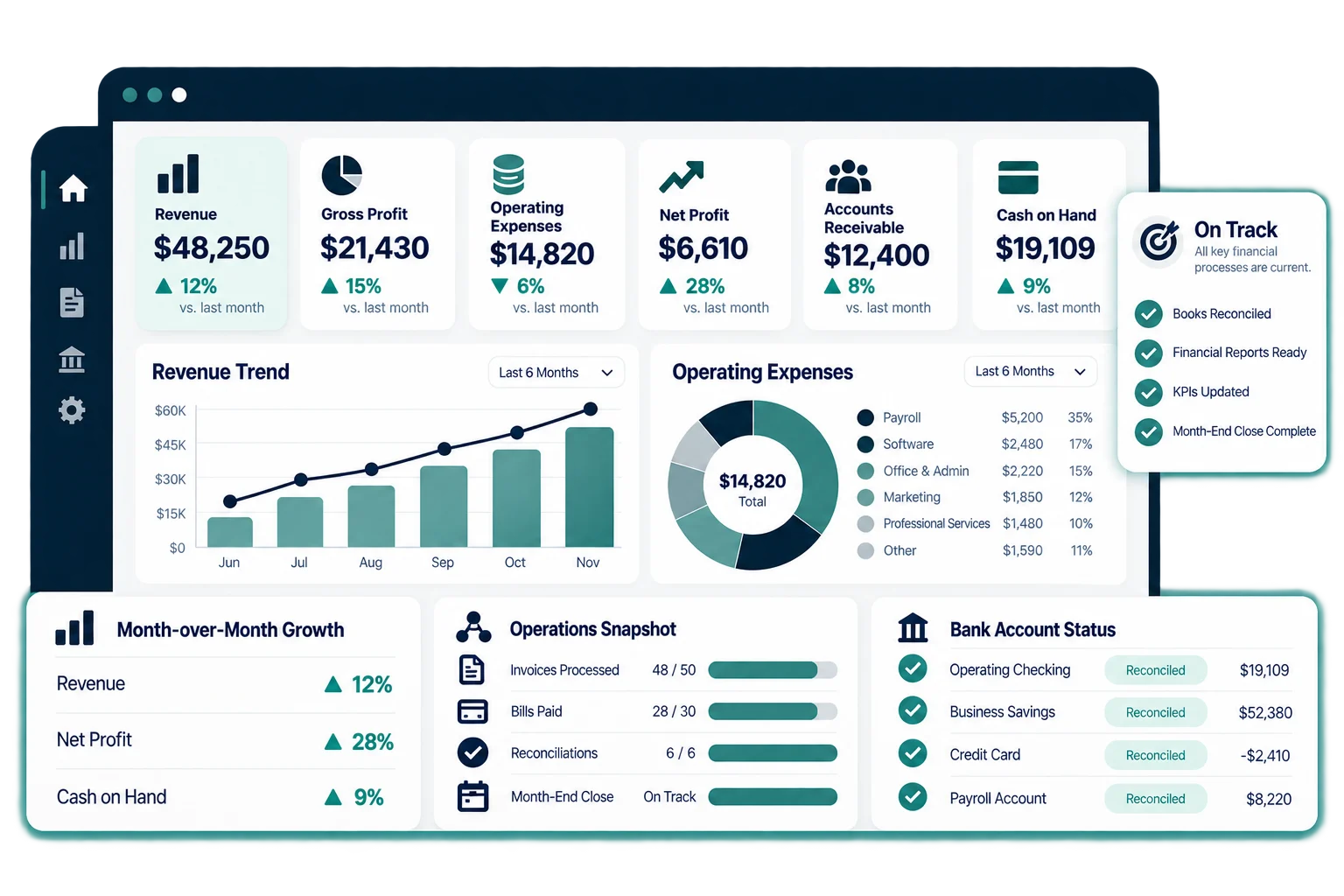
- Revenue by month, service line, location, or customer type.
- Gross margin or contribution margin when the underlying data supports it.
- Cash on hand and selected cash-flow measures.
- Accounts receivable balance and aging.
- Lead volume, booked work, close rate, or pipeline value when connected data is available.
- Average transaction or job value.
- Repeat-customer or retention measurements.
- Labor, productivity, utilization, or capacity metrics relevant to the business.
- Operational turnaround times, backlog, or completion status.
Dashboard Design Should Fit the Way You Work
Not every business needs a complex BI platform. A well-designed Excel or Google Sheets dashboard may be the right answer for one company, while another may benefit from a different reporting tool or a more automated data flow.
We choose the simplest practical approach that can deliver the visibility you need and can be maintained reliably.
How a Dashboard Project Works
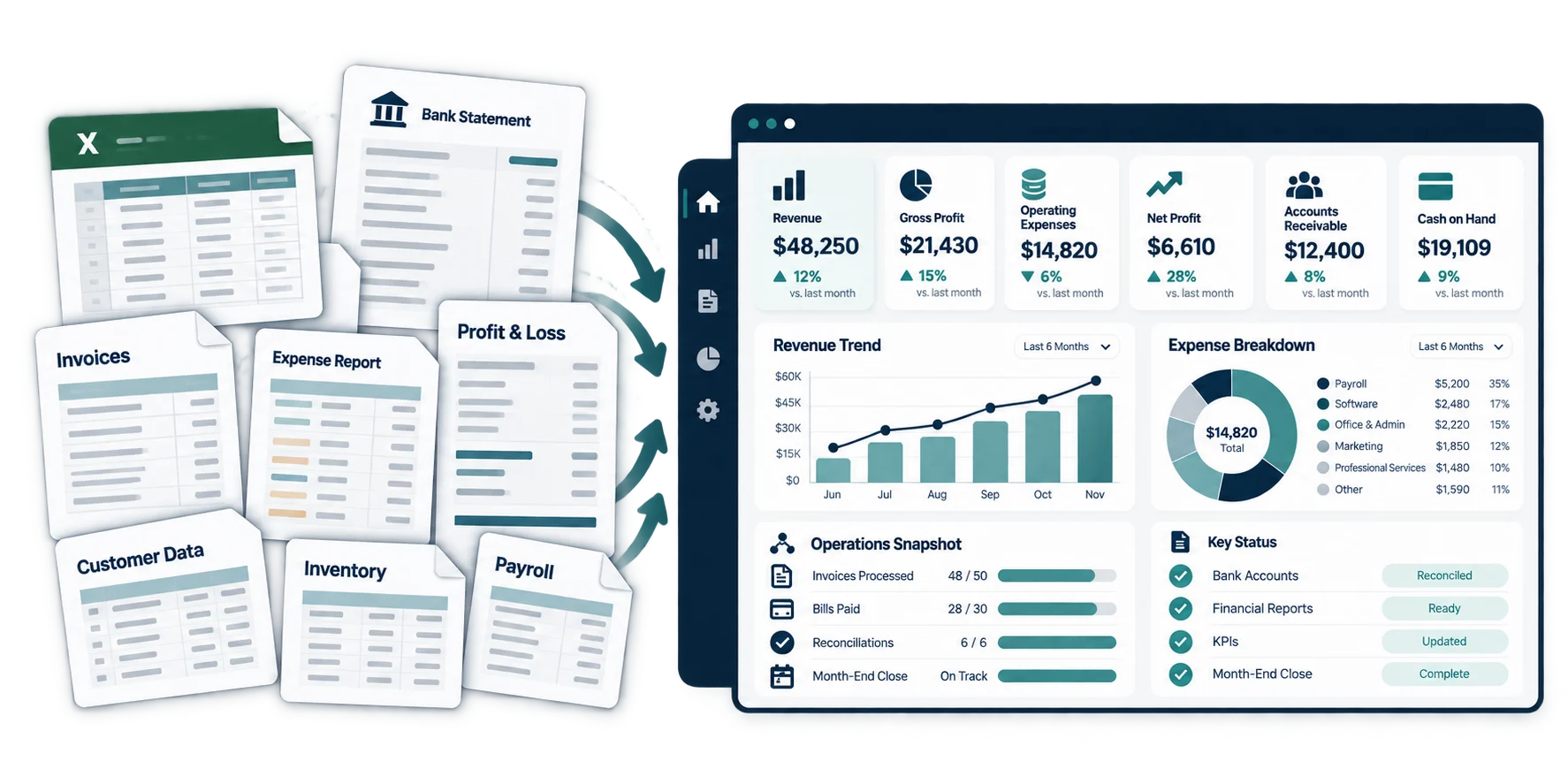
- Define the business questions the dashboard needs to answer.
- Identify the source data and determine whether it is reliable enough to use.
- Select a focused set of KPIs and supporting measures.
- Design the dashboard around quick understanding and practical decision-making.
- Build and test the data flow, calculations, and visual presentation.
- Document the process so the dashboard can be refreshed and maintained consistently.
Dashboards Do Not Replace Judgment
A dashboard is a decision-support tool, not an automatic answer. It can show that something changed, but context still matters. Seasonality, one-time expenses, timing differences, changes in pricing, or operational events may explain the movement.
The goal is to help you notice important changes sooner and ask better questions.